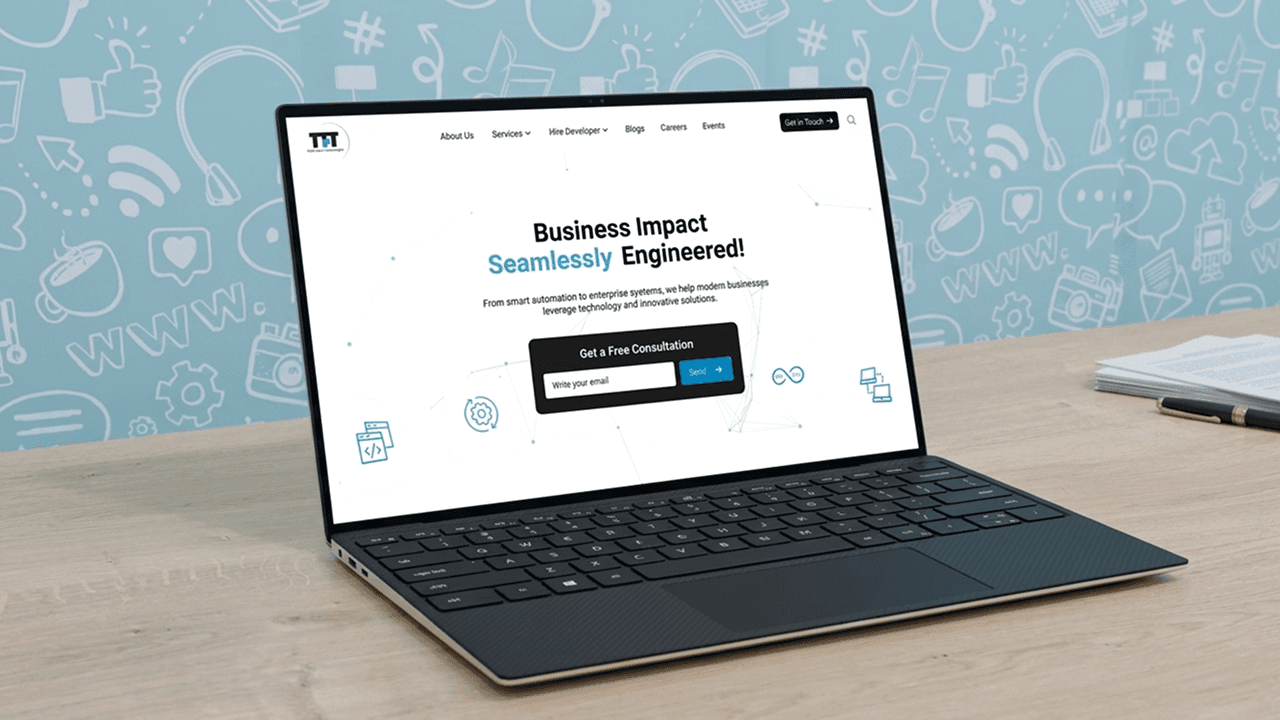
Discover top-quality skilled labor crews and workers swiftly! Our platform directly recruits them to you, allowing you to concentrate on your business success. For Workers/Job Seekers Explore and contrast lucrative careers in the skilled trades industry no degree or prior experience needed.
Prototype Link
Low fid. Web Version-: https://xd.adobe.com/view/ebc78eaf-e799-412b-86b2-ba2df537f0cc-be94/

At-a-Glance 👀
Engaged in a 2-3 week collaboration with GofindBuild to elevate the visual appeal and functionality of their platform.
Led the enhancement of UI elements, including the landing page, onboarding process, profile section, and worker dashboard.
Streamlined the onboarding experience for workers, enabling them to effortlessly navigate and find suitable job opportunities aligned with their qualifications.
Customized the platform to specifically cater to the blue-collar job sector, offering a user-friendly solution for both workers and businesses seeking skilled labor."
Problem
GofindBuild encountered usability issues due to an outdated interface, impacting onboarding and job searches for users and businesses. This led to user frustration and reduced platform engagement.
Competitive Analysis
Conducted competitive research involving analyzing other platforms or competitors. Ex (BlueCollarCrossing, bluerecruit) in the skilled labor industry. This helped gather insights into industry trends, best practices, and areas for improvement. It also provided valuable benchmarks to ensure Gofind Build's platform stood out and offered unique value to users.
1) BlueCollarCrossing
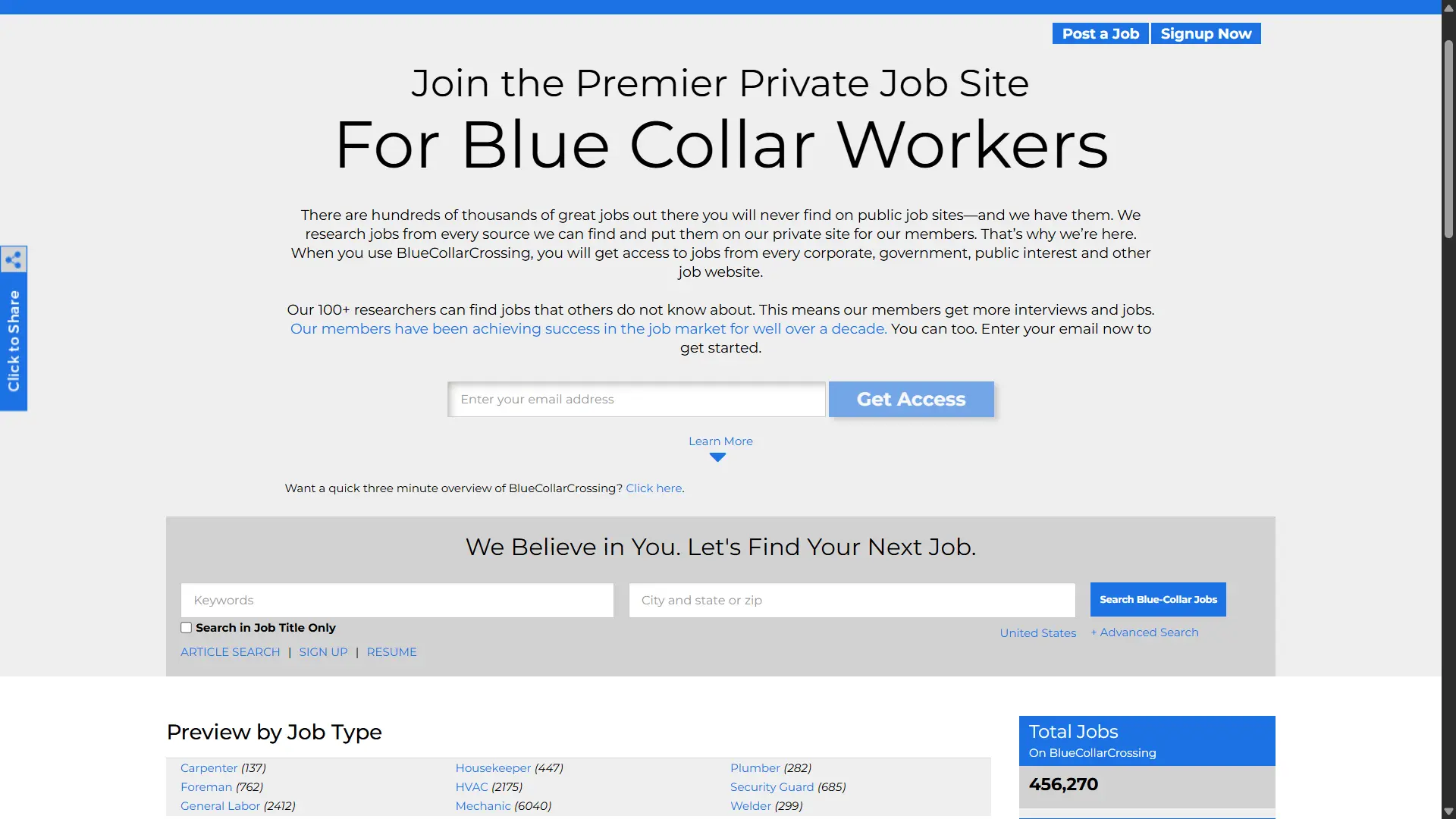
Visual / UI overview
The homepage looks like a big job index. Lots of text, lists, and job counts.
Navigation shows options for employers and job seekers like Post Job, Search Resumes, Upload Resume, Sign up. Buttons are small text links rather than bold buttons.
Design feels old and dense. Many items on the page at once, which can overwhelm new users.
How it works for recruiters
Recruiters can post jobs and search resumes. The site gathers job listings from many places and shows them in one place.
The flow seems aimed at posting and listing rather than active hiring inside the site.
How it works for job seekers
Job seekers can search by job title, city, or job type. They can upload a resume and sign up for alerts.
The site pushes sign up to get better access to listings.
💪 Strengths
Large number of jobs shown. This gives confidence that many jobs exist on the site.
Clear categories and many ways to drill into locations and job types.
🤒 Weaknesses
Visuals are cluttered and text heavy, not friendly for mobile or low-tech users.
Few modern product features visible, such as in-app chat, simple onboarding, or clear apply flow.
⭐ Opportunities
Simplify the UI into a clean search box and two big action buttons.
Add verified employer badges, quick apply buttons, and in-app messaging to help people hire faster.
2) BlueRecruit
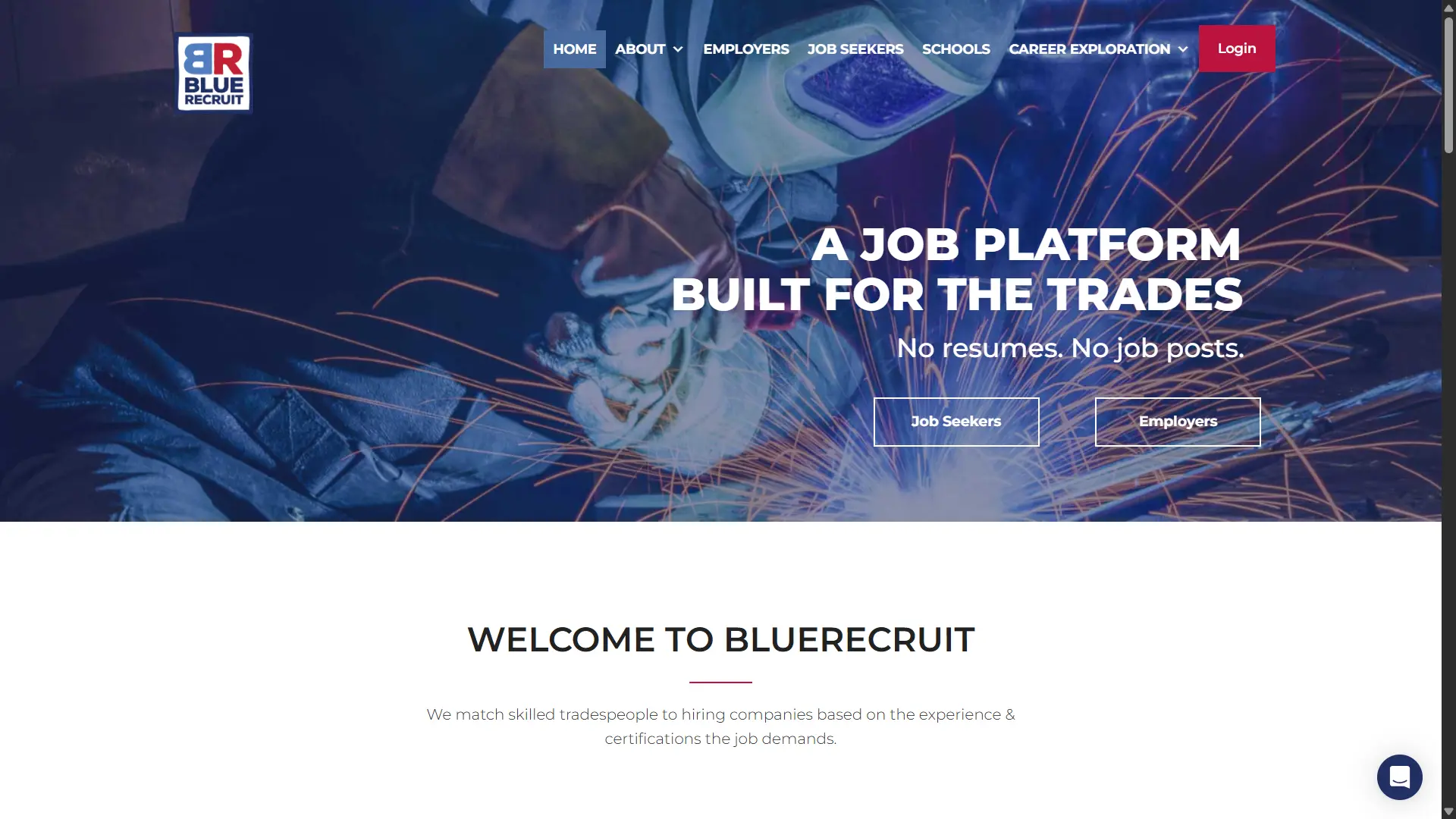
Visual / UI overview
Clean, modern homepage with short, strong messages. Fewer words and clear CTAs for job seekers and employers.
Visual hierarchy is simple and product-like. It looks mobile-first and easy to use.
How it works for recruiters
Recruiters search the database of matched tradespeople rather than posting many jobs.
The site highlights built-in chat and video tools to connect quickly with candidates.
How it works for job seekers
Job seekers make a profile on their phone in a few minutes. No resume is required.
Matching is based on skills and certificates, not on traditional resumes.
💪 Strengths
Clear messaging and clean UI make it easy to understand quickly.
Built-in communication tools speed up the hiring conversation.
🤒 Weaknesses
Focuses on skilled trades and certified workers, so it is not ideal for general day labor or helpers.
Many actions take users to the app area, which can feel like an extra step from the homepage.
⭐ Opportunities
Add a quick apply flow for short shifts or day-rate work without full profile creation.
Add local language support and simpler UI options for lower-tech users while keeping the skills verification flow.
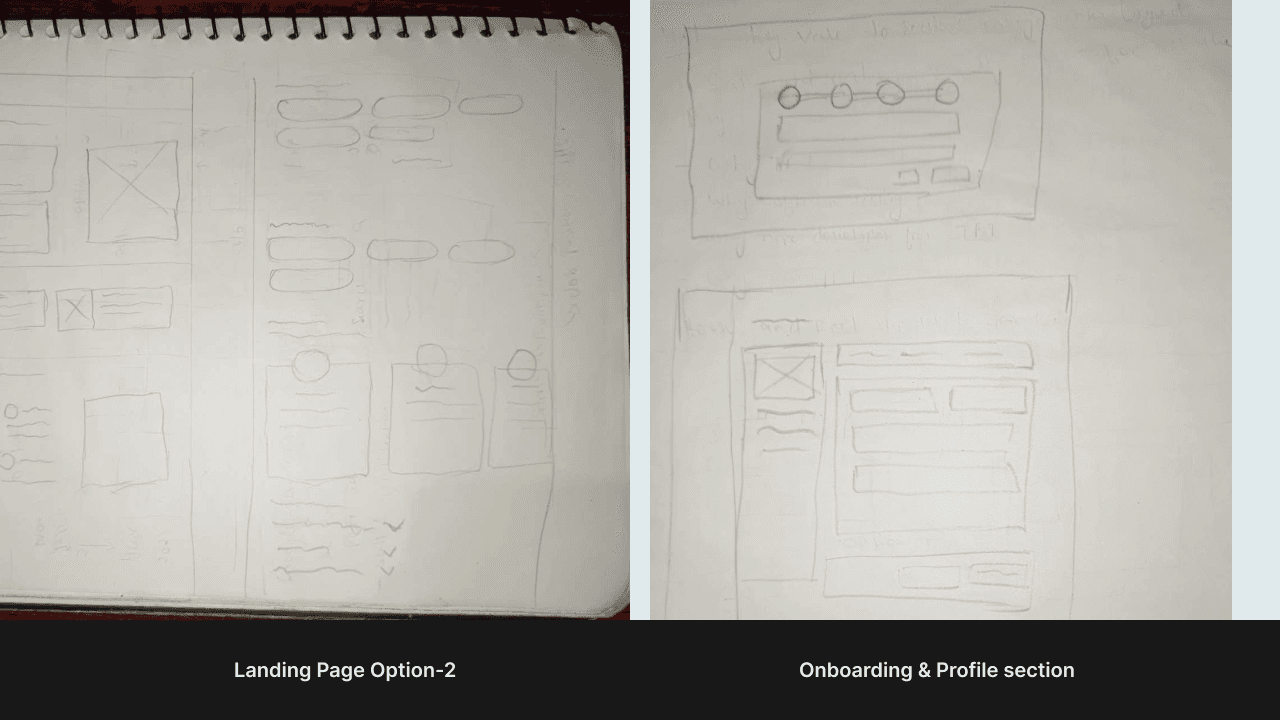
Sketches
The process of creating initial sketches involved translating ideas and concepts into visual representations. These sketches served as a preliminary stage to explore different design directions, layout options, and key elements of the platform's interface. It allowed for brainstorming and iteration before moving to more detailed designs.
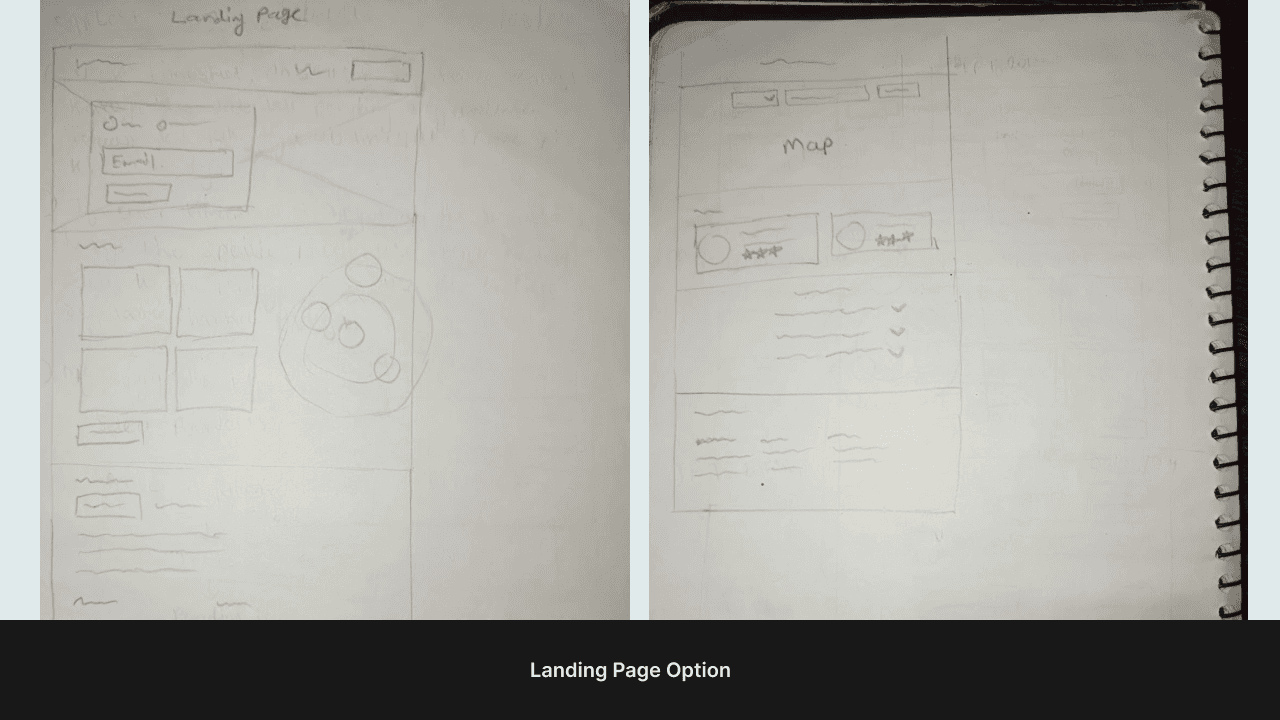
Low-Fidelity Wireframes
Low-fidelity wireframes were developed based on the initial sketches, focusing on the structural layout and functionality of the platform. These wireframes provided a blueprint for the user interface, outlining essential elements, navigation flow, and content placement. They helped visualize the overall design and facilitated discussions with stakeholders for feedback and refinement.
Design Link
👇 Click to play with the prototype
https://xd.adobe.com/view/ebc78eaf-e799-412b-86b2-ba2df537f0cc-be94/
What I Learned 🌱
From the project, I learned the importance of user-centric design, effective collaboration with stakeholders, iterative design refinement based on feedback, and the impact of intuitive interfaces on user productivity and satisfaction.